Desktop for Mac
PDF to Markdown, entirely on your Mac.
A native app for confidential work. No uploads, no account, no network connections. Your documents never leave this machine.
Download for Mac
Passed Apple's security scan.
Wi-Fi off
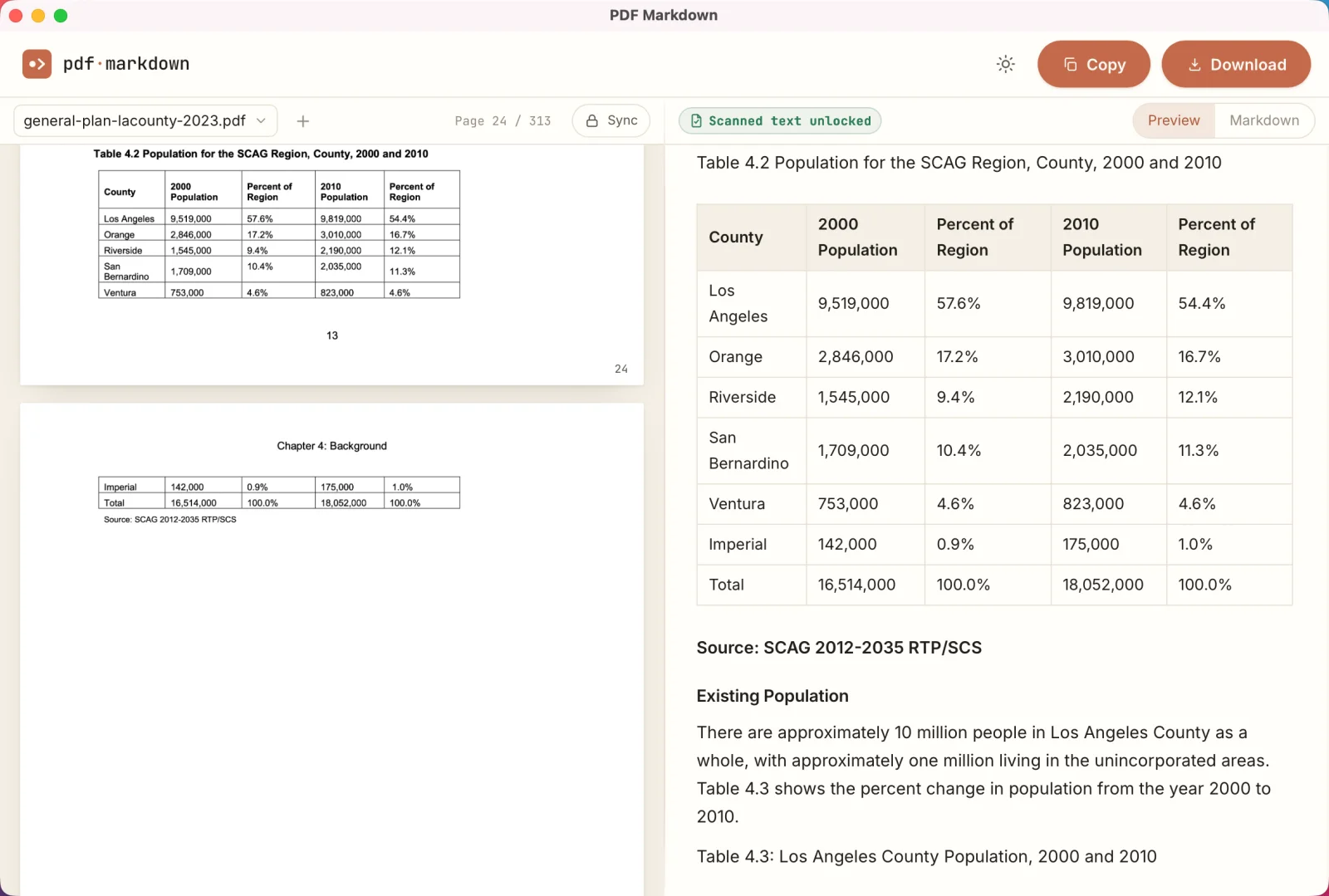
Desktop setup
Install in three steps.
- 01
Move it to Applications.
Open the download and drag PDF Markdown into Applications.
- 02
Open it once.
The app has passed Apple's security scan. On first launch, macOS shows this confirmation. Click Open. It won't ask again.
- 03
Enter your license key.
Paste your license key when the app asks, and you're in.
Updates & access
Updates by email. Access by invitation.
Updates come by email.
The app makes no background connections, even to check for updates. When a new version ships, we email you a fresh download link.
Early access is invite-only.
A license key is required during early access. If you don't have one yet, write to hey@pdfmarkdown.app.